GOOGLE MEET TRANSLATOR
Google Meet translator
Translate Google Meet calls into live bilingual subtitles in 30+ languages, covering what others say and what you say, without adding a bot to the call.
Free to start · No meeting bot · No credit card required

THE QUICK ANSWER
What is a Google Meet translator?
A Google Meet translator turns speech in a live call into subtitles in another language. Google offers built-in options on some accounts: translated captions on eligible Workspace editions, and speech translation, which Google is rolling out to some paid plans. A browser extension such as MeeLang works with any account, including personal Google accounts.
MeeLang works on your side of the call. Install the Chrome extension, join a meeting, and choose the language you want to read. It translates the call audio directly, so you don't need to turn on Meet captions, and it translates what you say as well as what others say. Other participants don't need to install anything.
HOW IT WORKS
How to use Google Meet translation with MeeLang
Install MeeLang for Chrome
Add the extension from the Chrome Web Store. You can start without signing in, a card, or a meeting bot.
Join a Google Meet call
Open the meeting in Chrome. MeeLang translates the call audio directly, so you don't need to turn on Meet captions. The spoken language is detected automatically.
Choose your subtitle language
Pick the language you want to read. Subtitles appear in a full subtitle window or as compact subtitles over the call, and the bilingual transcript stays in your browser.
WHAT YOU SEE IN THE CALL
Follow both languages while people are still talking
Original speech and its translation stay together, so you can check meaning without losing the flow of the meeting.
来週のリリース前に、翻訳の最終確認をしましょう。
ENLet's do a final translation check before next week's release.
TWO WAYS TO READ THE CALL
Full subtitles or compact subtitles
Switch with one click while the meeting is running. MeeLang remembers your choice for Google Meet.
MORE THAN SUBTITLES
Built for real conversations in Google Meet
Translates what you say, too
Your own speech is translated as well, so both sides of the conversation appear in the transcript. When you mute yourself in Meet, MeeLang stops listening to your microphone.
BOTH SIDESSpeaker labels
Lines are labeled by speaker, so you can follow who said what during the call and filter the transcript by speaker afterwards.
SPEAKERSAI meeting summary
Turn the transcript into a summary of what was discussed and decided, written in your language. Included with Pro.
AI SUMMARYBilingual transcript
The original and the translation are saved together in your browser, not on MeeLang's servers. Search, export, or delete them at any time.
TRANSCRIPTUSE CASES
Where a Google Meet translator helps most
Use live translated subtitles whenever language differences would otherwise slow down a conversation or leave someone behind.
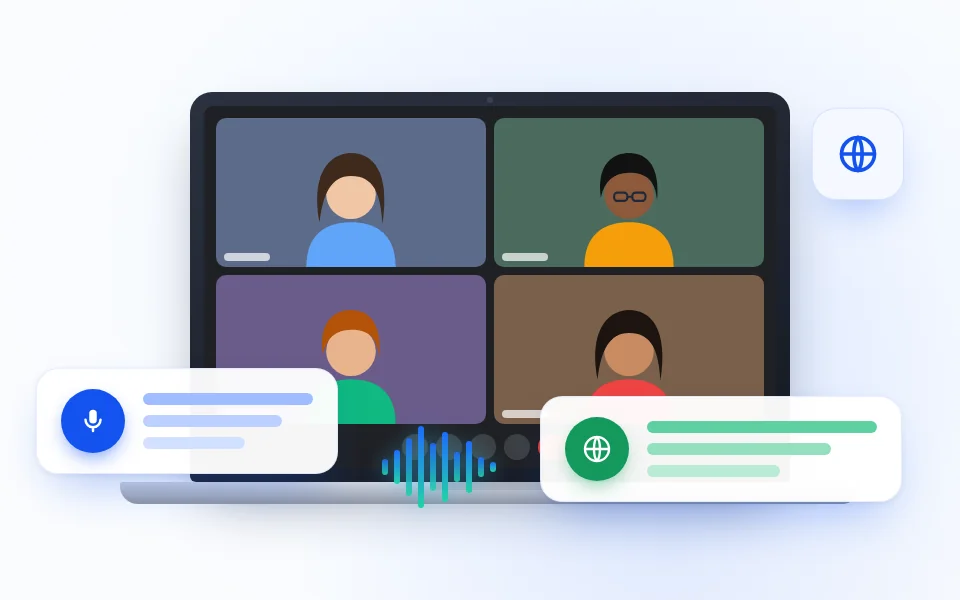
International team meetings
Follow project updates, planning sessions, and technical discussions across multilingual teams without asking everyone to switch languages.
TEAM MEETINGS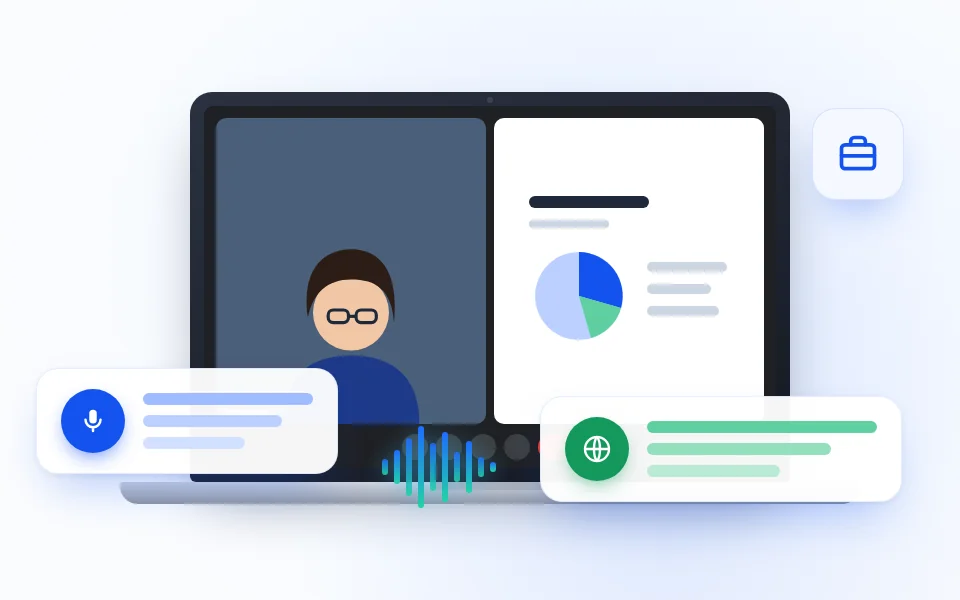
Client and sales calls
Understand questions and explain details clearly when customers, partners, or prospects speak a different language.
CLIENT CALLS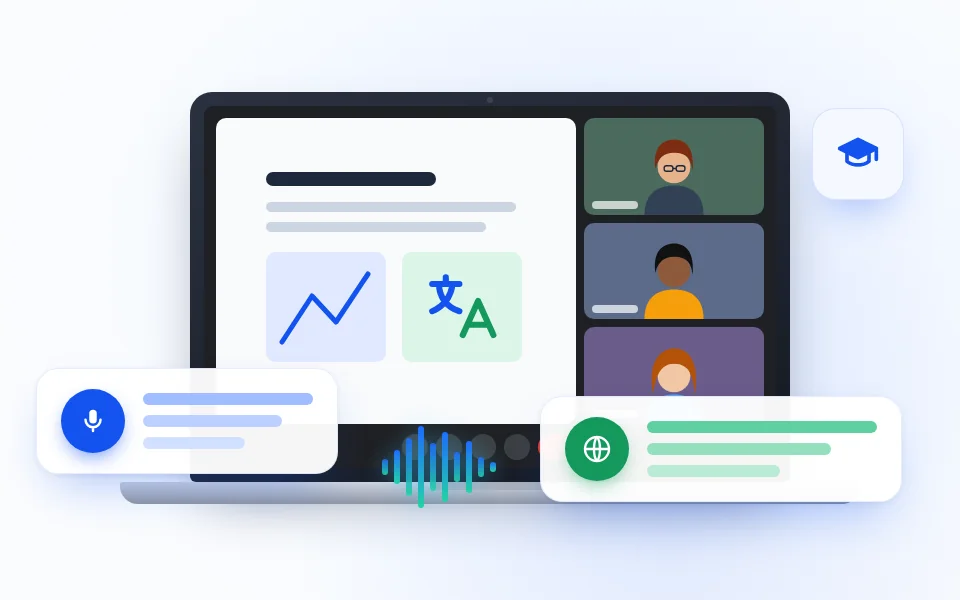
Online classes and training
Read translated explanations during lessons, workshops, and onboarding sessions while the instructor is still speaking.
LEARNING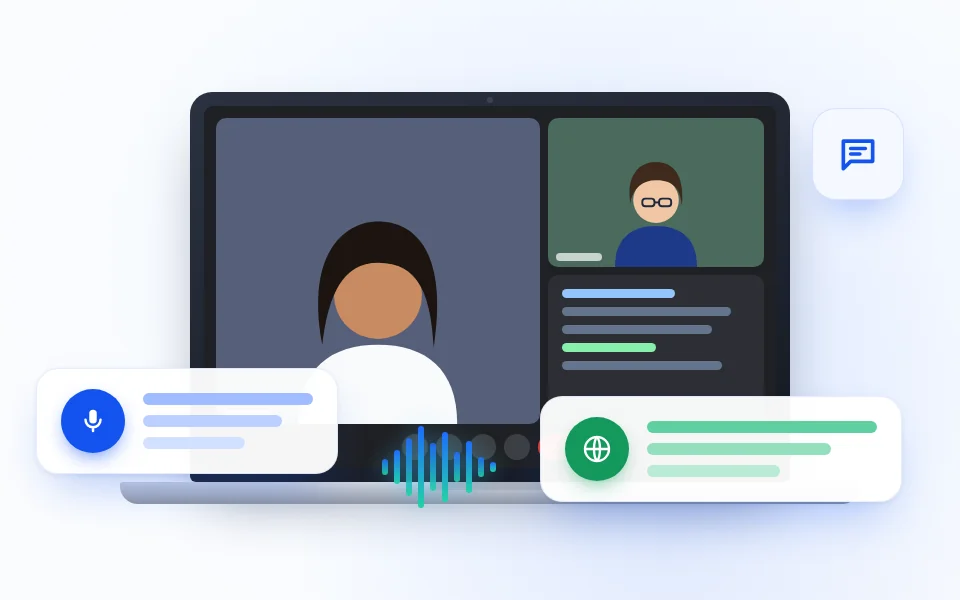
Interviews and research
Keep up with nuanced answers in interviews, user research, and expert conversations, then review both languages later.
INTERVIEWSAT A GLANCE
MeeLang for Google Meet: key facts
| Works on | Google Meet (meet.google.com) in Google Chrome on desktop |
|---|---|
| Accounts | Personal Google accounts and every Google Workspace edition, with no admin approval or host setting |
| How it translates | Translates the call audio directly; Meet captions don't need to be turned on |
| Who gets translated | Other participants and you; your microphone is skipped while you're muted in Meet |
| Languages | Translates into 30+ languages; the spoken language is detected automatically |
| Subtitle display | Full subtitle window with history, or compact subtitles over the call |
| Transcript | Bilingual and labeled by speaker, saved in your browser; search, export, or delete |
| AI summary | A summary of the meeting in your language, included with Pro |
| Price | Free plan with monthly translation minutes; Pro adds more minutes and AI summaries |
| Not supported | Google Meet on phones and tablets |
COMPARE YOUR OPTIONS
Google Meet's built-in translation or a Chrome extension?
Both translate a meeting as it happens. Google's options depend on your account: translated captions on eligible Workspace editions, and speech translation, which Google is rolling out to some paid plans. The practical difference is who can use it and what you get to keep.
| Feature | Google Meet built-in translation | MeeLang |
|---|---|---|
| Who can use it | Eligible Google Workspace editions and some paid Google plans | Anyone with Chrome on desktop, including personal accounts |
| Setup | May need to be enabled by your administrator | Install the extension; no admin or host setting |
| Meet captions | Translated captions are part of Meet captions | Not needed; MeeLang translates the audio |
| Original and translation together | The translated caption replaces the original | Yes, or translation only |
| Bilingual transcript | Not saved as a bilingual transcript | Yes, labeled by speaker and saved in your browser |
| Price | Included with eligible paid plans | Free plan; Pro adds more minutes and AI summaries |
COMMON QUESTIONS
Google Meet translation FAQ
Does Google Meet translate conversations in real time?
Yes, on some accounts. Google Meet offers translated captions on eligible Google Workspace editions, and Google is rolling out speech translation to some paid plans. MeeLang works with any account: it shows real-time translated subtitles through a Chrome extension.
How do I turn on translation in Google Meet?
For Google's built-in feature, open Meet settings, choose Captions, and look for Translation language. For MeeLang, install the extension, join the call in Chrome, and choose the language you want to read.
Is Google Meet translation free?
Google's built-in translation comes with eligible paid plans. MeeLang lets you start translating without signing in, and signing in with Google gives you free translation minutes every month, with no payment details required.
Can I translate Google Meet with a personal Google account?
Yes, with MeeLang. The extension runs in your own Chrome browser and does not depend on the meeting organizer's Workspace plan or administrator settings.
Will a translation bot join my Google Meet?
No. MeeLang works in your browser tab and does not join the call as a participant, so no translation bot appears in the attendee list.
Can Google Meet translation create a bilingual transcript?
MeeLang saves the original and the translation together, labeled by speaker, in a transcript stored in your browser. You can search it, export it, or delete it at any time.
Does MeeLang translate what I say, too?
Yes. MeeLang translates your own speech as well as what other participants say, so both sides appear in the subtitles and the transcript. When you mute yourself in Meet, it stops listening to your microphone.
Do I need to turn on captions in Google Meet?
No. MeeLang translates the call audio directly, so it works whether Meet captions are on or off.
Can I see who is speaking?
Yes. Each line in the full subtitle window and in the transcript is labeled by speaker, and you can filter the transcript by speaker later.
What is the difference between full and compact subtitles?
Full subtitles open a floating window with the whole conversation, so you can scroll back through earlier lines. Compact subtitles show only the current line over the meeting, like captions. You can switch between them with one click.
Can MeeLang summarize a Google Meet call?
Yes. With Pro, MeeLang turns the bilingual transcript into an AI summary of what was discussed and decided, written in your language.
Does it work in the Google Meet mobile app?
No. MeeLang is a Chrome extension for desktop, so it works in Google Meet in Chrome on your computer.
Where a Google Meet translator helps most
Use live translated subtitles whenever language differences would otherwise slow down a conversation or leave someone behind.
Add to ChromePOPULAR LANGUAGE PAIRS
Choose your Google Meet translation
Open a focused guide for setup details, examples, and questions about a specific language direction.
Into English
Not seeing your combination? MeeLang detects the spoken language automatically and translates into any of its 30+ target languages. These pages cover the most-requested pairs in detail.